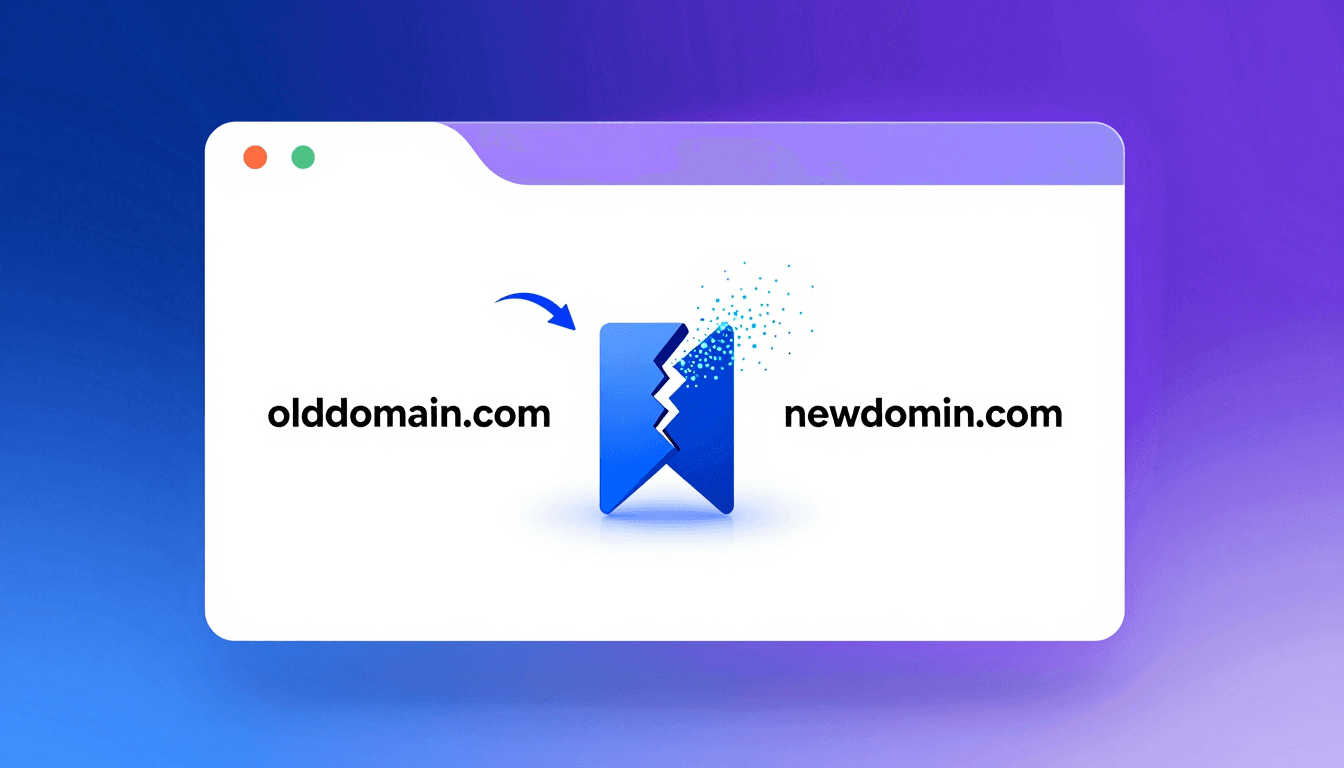
You just rebranded your company. You spent sleepless nights configuring 301 redirects, updating the sitemap, and notifying Google via Search Console. Everything seems perfect, yet you notice a drop in "Direct" traffic. Why?
The answer is simple: bookmarks don't update themselves.
The Problem with Old Bookmarks#
Your most loyal users, the ones who bring the most value to your site, have likely saved your pages in their favorites. Even if your server redirects the old URL to the new one, there are two main problems:
- Slow Redirect Chains: The user's browser must first contact the old domain, receive a 301 code, and then load the new one. This increases loading times.
- Old Domain Expiration: If you decide not to renew the old domain in a couple of years, all those redirects will stop working, and your users' bookmarks will become dead links (404).
How to Solve the Problem Proactively#
The best solution is to ask your users to update their favorites. However, if your site had many pages (e.g., an e-commerce with saved products, or a forum with saved threads), asking a user to manually re-save dozens of links is unthinkable.
This is where you can recommend Bookmark Domain Updater (BDU).
Integrating BDU into Your Migration Communication#
When you send the email announcing the new domain, or create a banner on the site, you can include a message like this:
"We've moved! We are now at www.newsite.com. If you have saved our pages in your favorites, we recommend using the free Bookmark Domain Updater extension to instantly transform all your old 'oldsite.com' links to 'newsite.com' with a single click!"
This way, you provide a highly valuable service to your users, ensuring they never lose direct access to your content. Check out how BDU works yourself so you can recommend it confidently!